Daily operations
Running your day from Today
The next-90-minutes view, marking arrivals, and booking walk-ins as they happen.
Today is the page to leave open at the front desk. It answers one question well: what is happening now, and what is about to.
What Today shows
A summary strip across the top — how many appointments today, how many arriving in the next 90 minutes, and how many need attention — then the next appointment in detail, then the full day beneath it.
The next 90 minutes figure is the useful one. It is short enough to mean “get ready now” rather than “sometime today”.
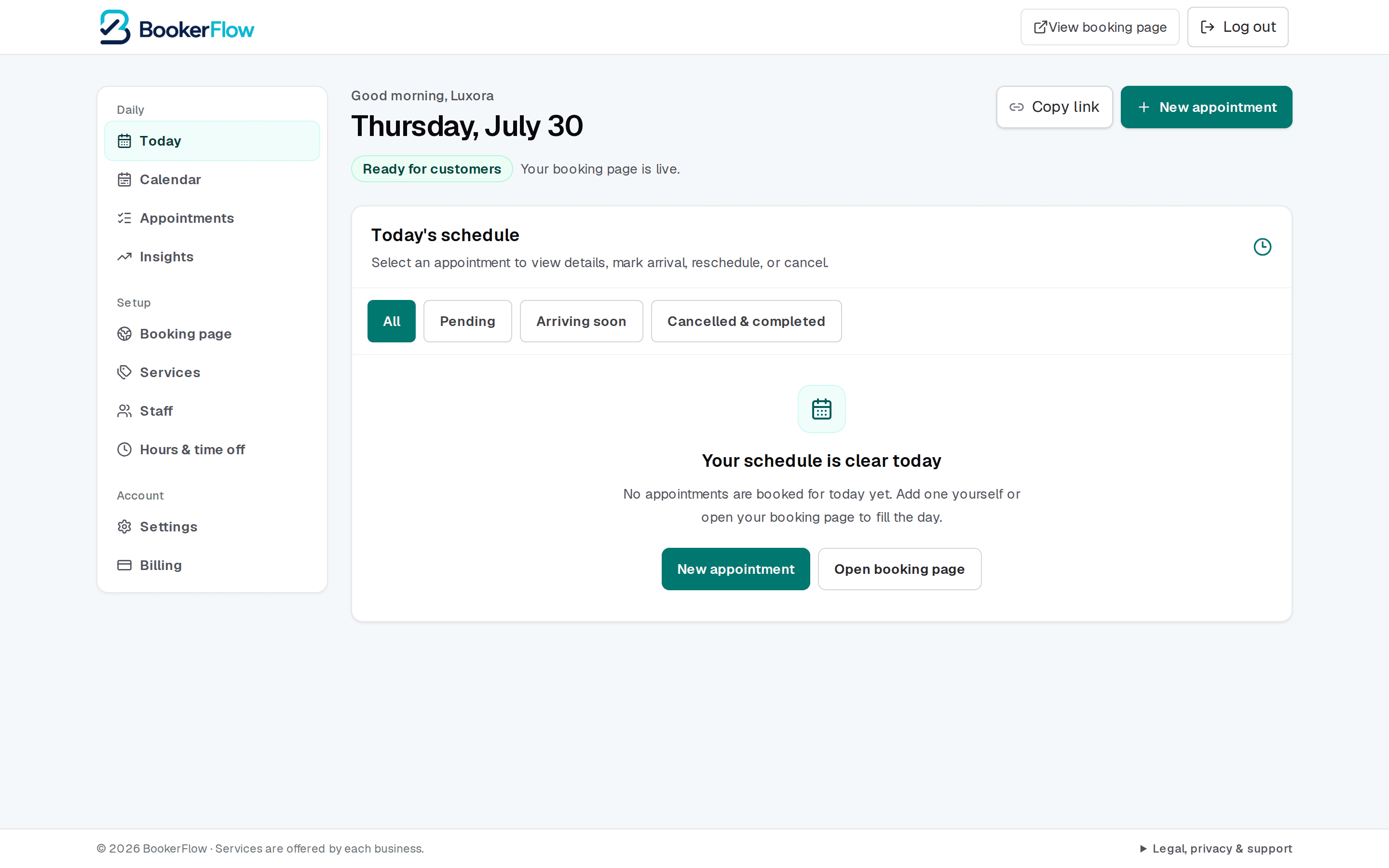
A status line tells you whether your booking page is live. If it says anything else, customers cannot book — see Why a time slot isn't showing to customers.
Acting on an appointment
Each appointment carries the actions you need during a working day:
- Arrived — mark someone as here, so the rest of the team can see it.
- Complete — close off an appointment once it is done.
- Reschedule — move it, keeping the customer and service.
- Cancel — free the slot so someone else can take it.
- View details — the full record, including notes and any extras.
Filters above the schedule narrow to pending, arriving soon, or cancelled and completed — handy on a busy day when the list is long.
When the day is clear
An empty day shows a prompt to add an appointment or open your booking page. That is normal on a quiet day — but if it is unexpectedly empty and you were expecting bookings, it is worth checking your booking page is actually taking them.
Book walk-ins in as they happen
On a phone
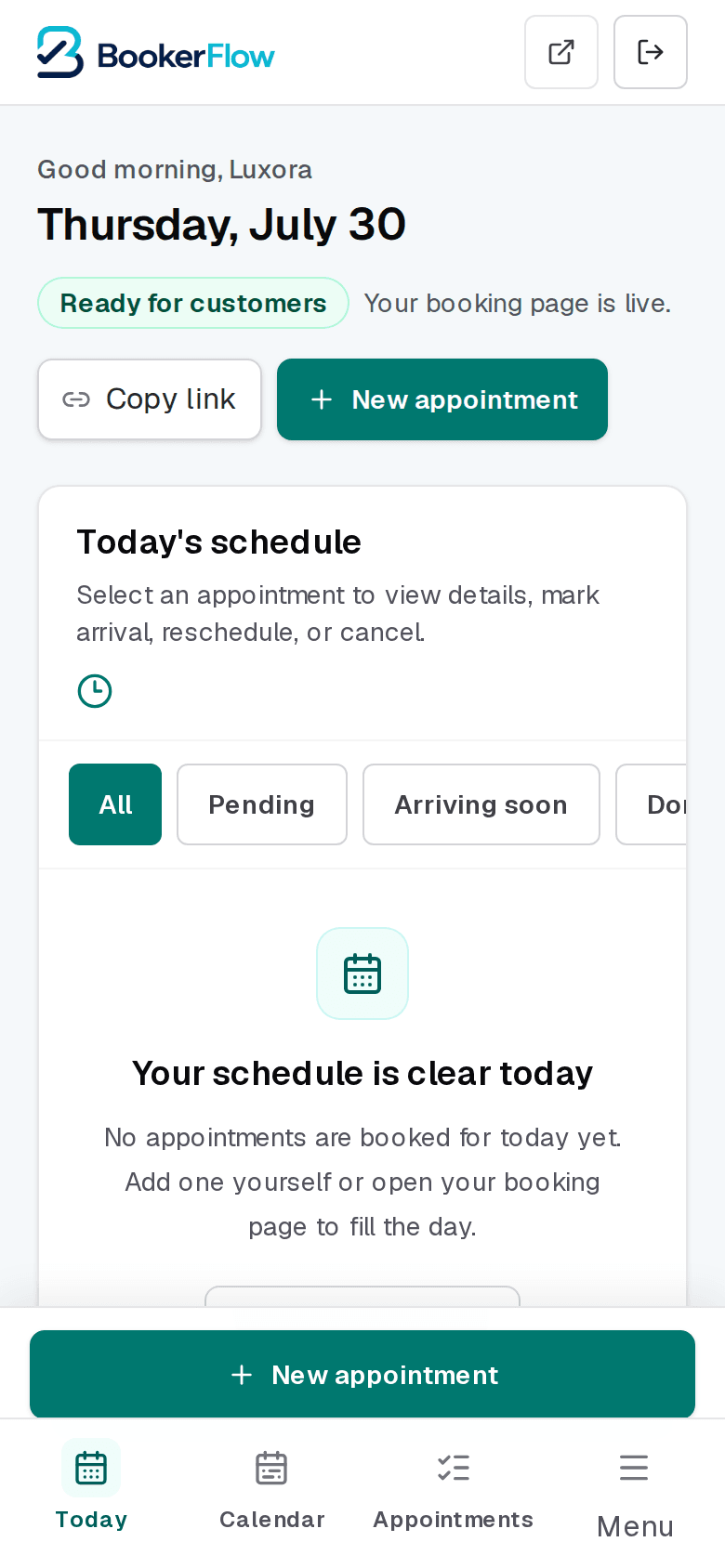
Today works well on a phone, which is where most people check it between appointments. The New appointment button sits just above the bottom tab bar so both stay in reach.
Related articles
Find, filter, and export your appointments
The complete booking record: searching for one customer, narrowing with filters, and pulling it into a spreadsheet.
A tour of your dashboard
Where everything lives: the three menu groups, what each page is for, and how the menu changes on a phone.
Reading your Insights
What each panel measures, the questions worth asking it, and why its numbers can differ from your own count.
Still stuck?
Send us the details and we will take a look. Including your booking link and the date and time you are asking about gets you a faster answer.
Last reviewed July 30, 2026.